A little tool.A level finish.
Turn your iPhone into a spirit level. Check the tilt at a glance when fitting a shelf, hanging a frame or aligning your camera.
Free download · iPhone and iPad · iOS 14 or later
Shelf, frame, camera. One little helper.
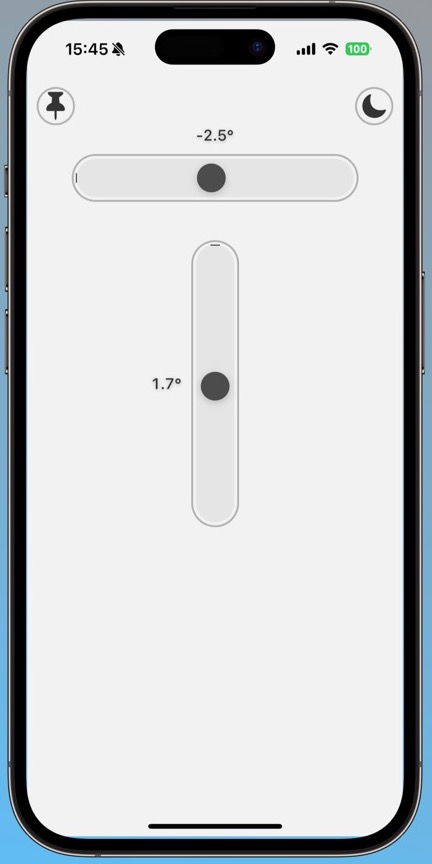
Place your phone against a surface, read both axes and adjust its position to check the tilt.
See both directions
Horizontal and vertical indicators show your phone’s tilt on two axes on the same screen.
Keep an angle as a reference
Save the current angle. Compare another position with that reference as you bring it into alignment.
Feel the alignment
Get alignment feedback through haptics. Use a light or dark appearance to suit your surroundings.
What is a reference angle?
You do not always want to reach zero. You can take one position as your starting point and compare another with it. Move the slider, save a reference, then change the angle again.
- Saved reference
- Not set
- Difference from reference
- —
This is an interactive explanation of a reference, not an exact copy of the app screen. It does not access your phone’s sensors or take real measurements.
For everyday checks. Use the right tool for critical measurements.
Readings are calculated from your phone’s motion sensors and are approximate. Surface contact, a case and device conditions can affect them. Use an appropriate physical measuring instrument for work that needs verified accuracy.